


01
See your contacts on a map
Open the map to see which places are connected to each person.
Start with one contact.
Select a contact to see related places and records.
As you add contacts, the map stays easy to read.
Zoom out to see more places.
01
Open the map to see which places are connected to each person.
02
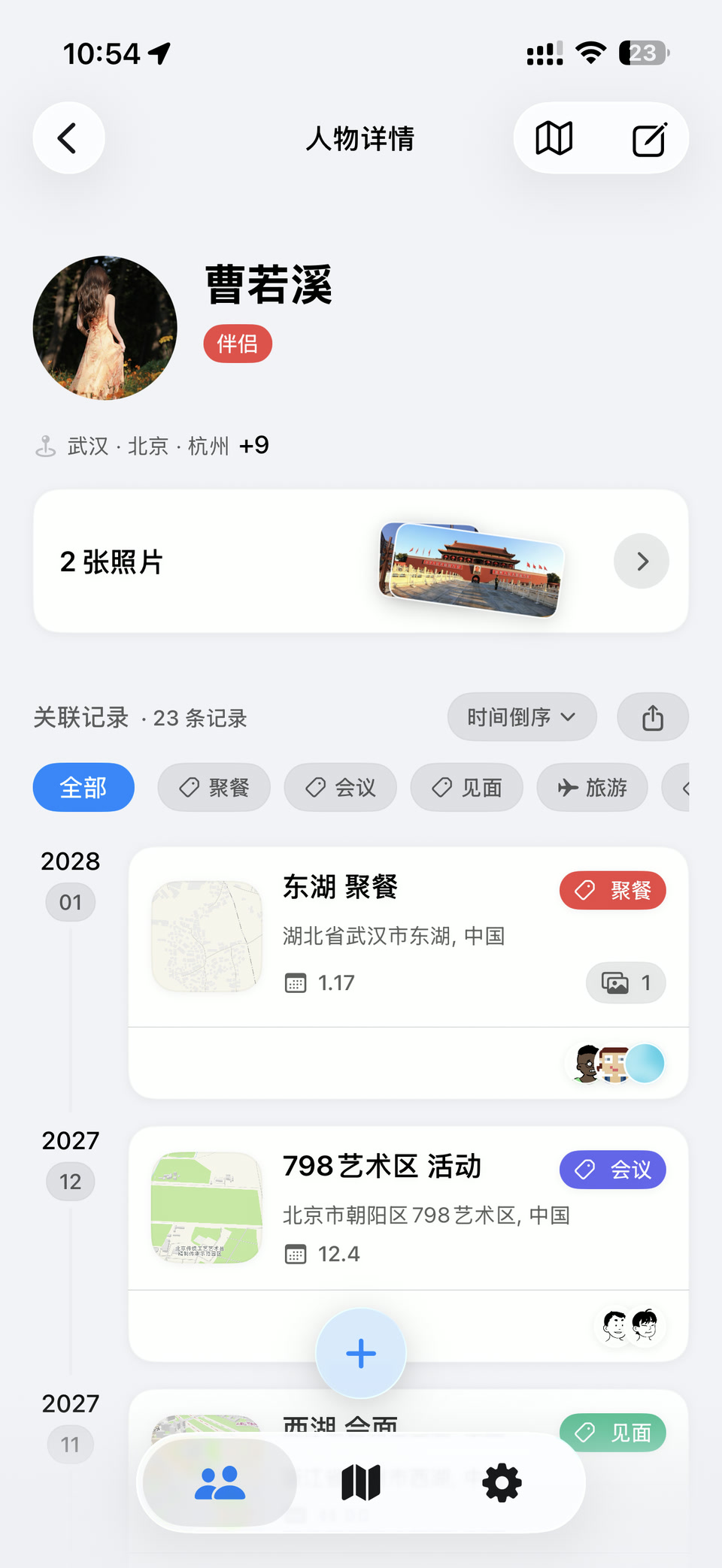
Open a contact to see related cities, photos, and records together.
03
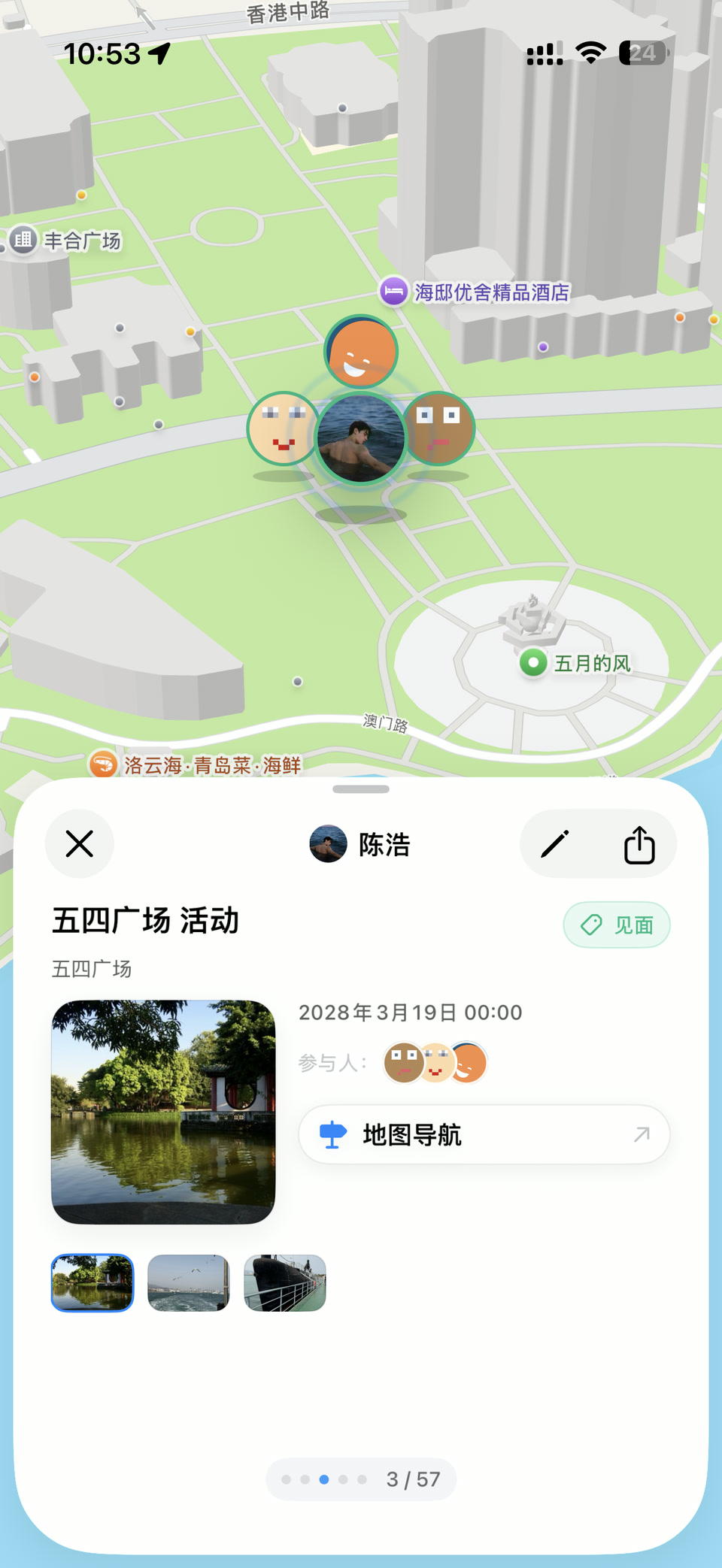
Open a record to review what you saved or get directions to the place.
Privacy
Mappamory does not show live locations or require an account. Contacts, places, records, and photos stay on your iPhone by default.