
Back home
User guide
Start with one person and one place
You do not need to organize everything at once. Create one person, then add the first record connected to them.
- 01
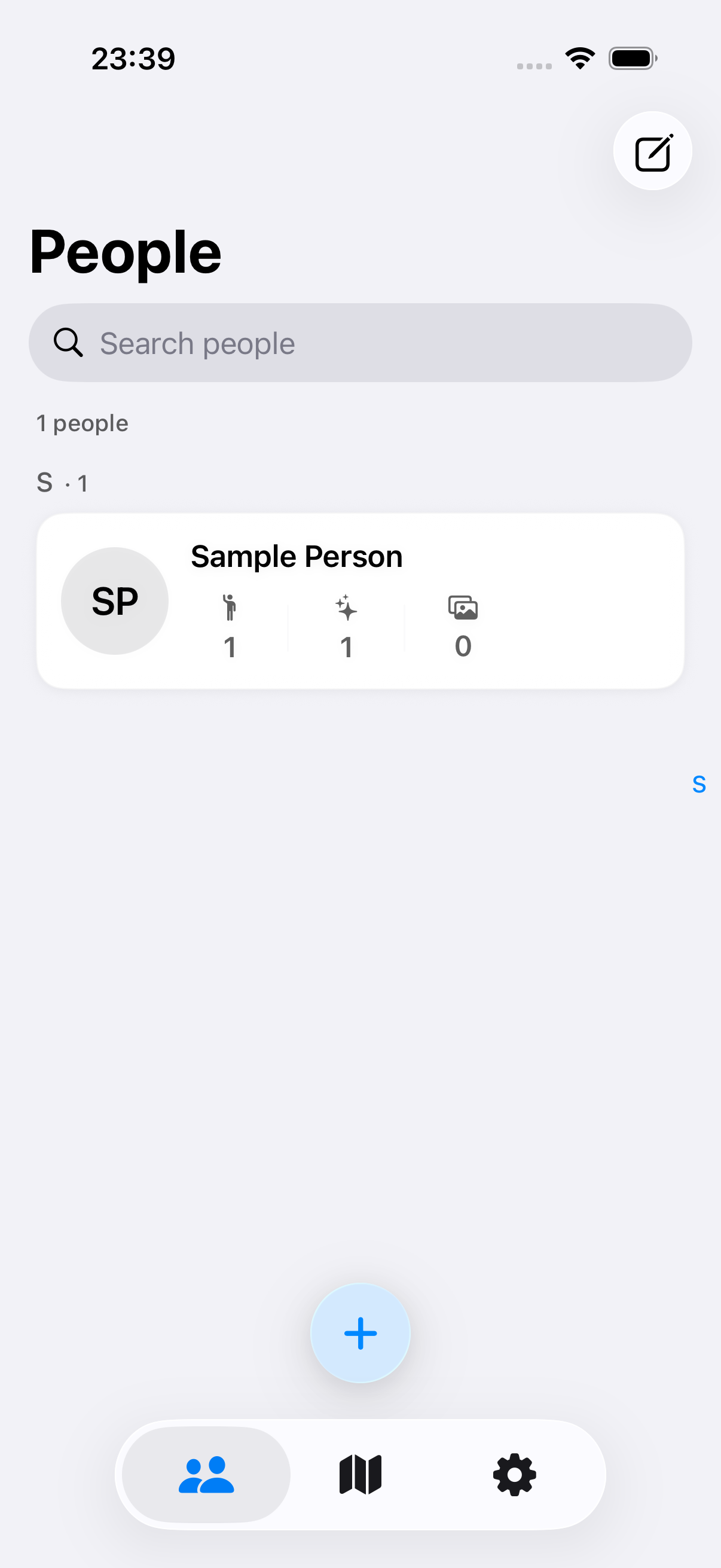
Create a person
Add a name and avatar manually, or use Apple’s system picker to import only the contacts you select.
- A person can begin with very little information
- Contact import never reads your entire address book
- 02
Add a record
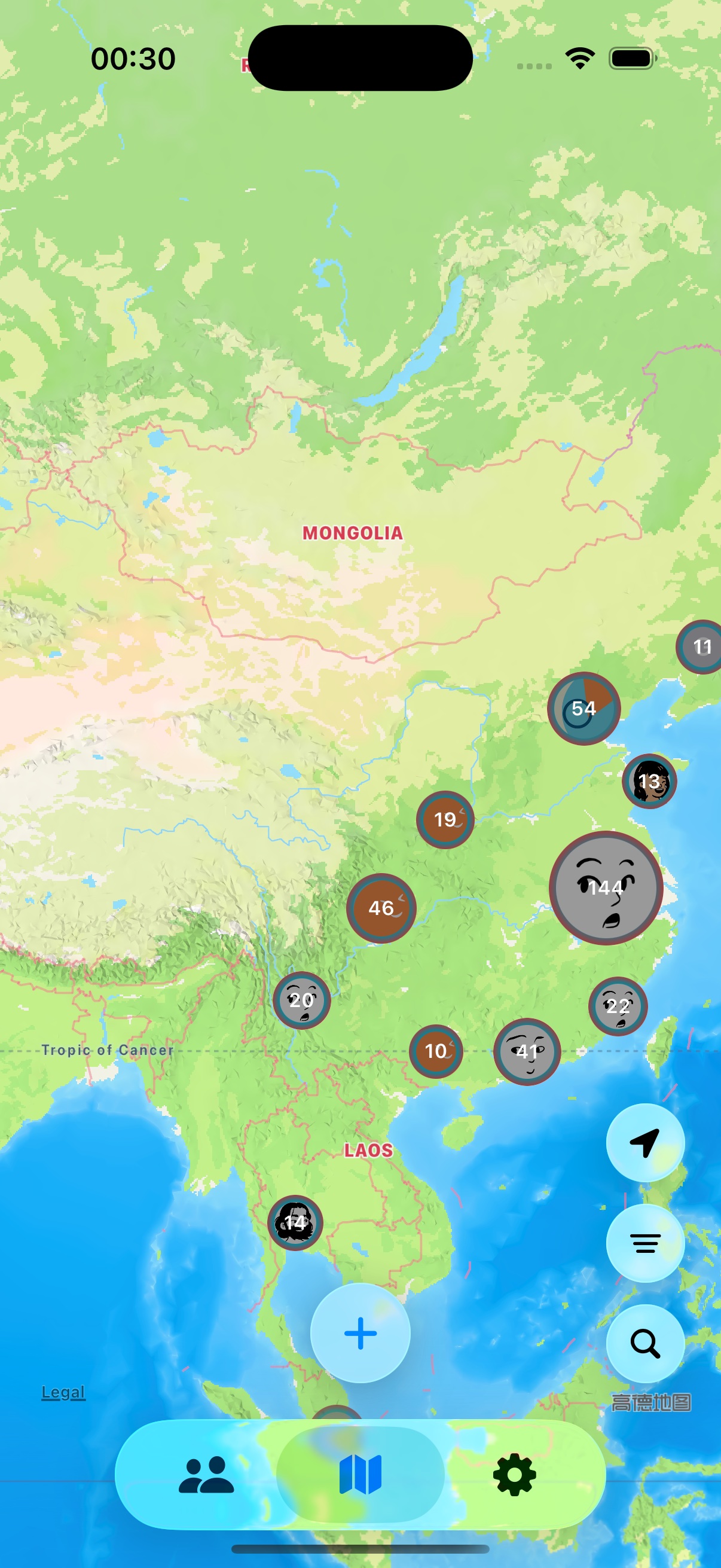
Start from the plus button on Map. Choose one or more people, one place, and either a point date or date range.
- Choose a place from the map, search, current location, or a supported map link
- Keep people in one shared record or choose separate records during creation
- 03
Keep only useful clues
Tags, notes, and photos are optional. Add only what will help you recognize the record later.
- Tags organize records
- Notes keep context a place name cannot carry
- Photos are added through Apple’s system photo picker
- 04
Return through Map or People
Zoom the map to browse places, or open a person to see related records. Use search and filters as your map grows.
- Map starts from place
- People starts from a person
- Filter the map by people, date, and record tags
- 05
Back up when you need to move or archive data
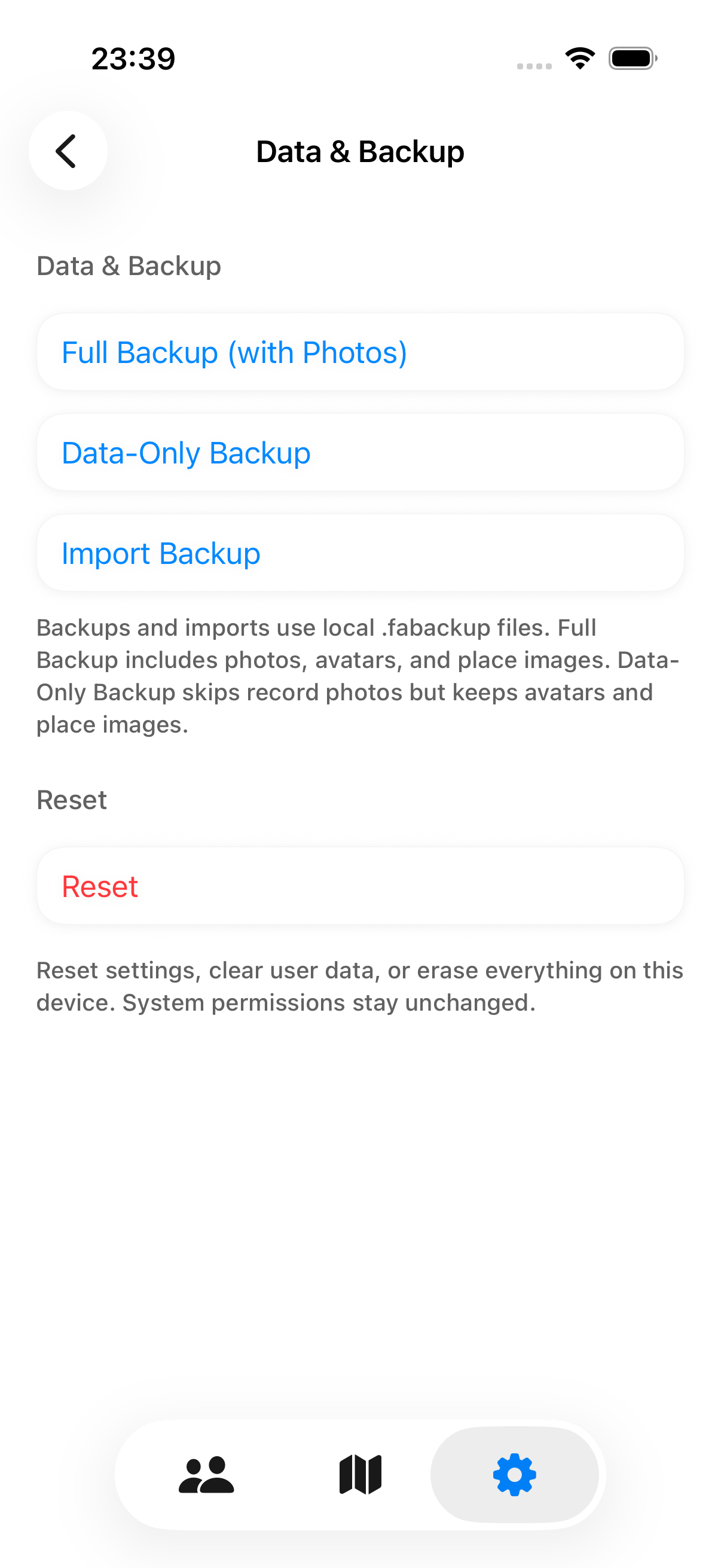
Mappamory uses local .fabackup files. A full backup includes photos; a data-only backup skips record photos.
- A backup is not cloud sync
- Import shows a preview first
- You choose where the file is saved
Save the first record
Think of one important person, then choose the place you remember most clearly.